

Seedream 5.0 AI Image Generator
Create stunning AI images from text or transform existing images, especially suitable for Asian people.
Official Seedream 5.0 Lite Core Capabilities
Official demo video showing how Seedream 5.0 Lite performs in real creation workflows. Master various styles and layouts while every detail aligns with your instructions.
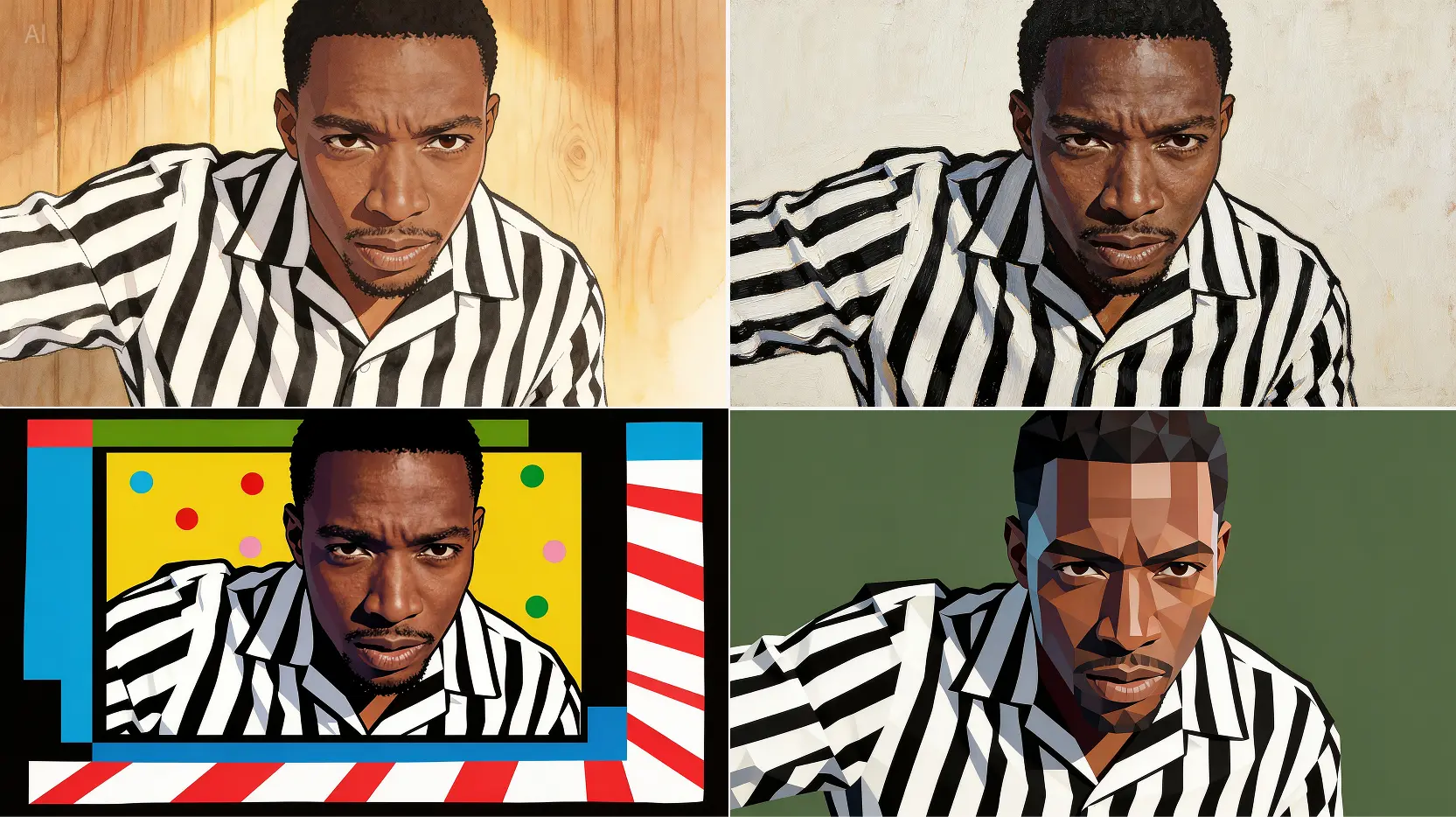
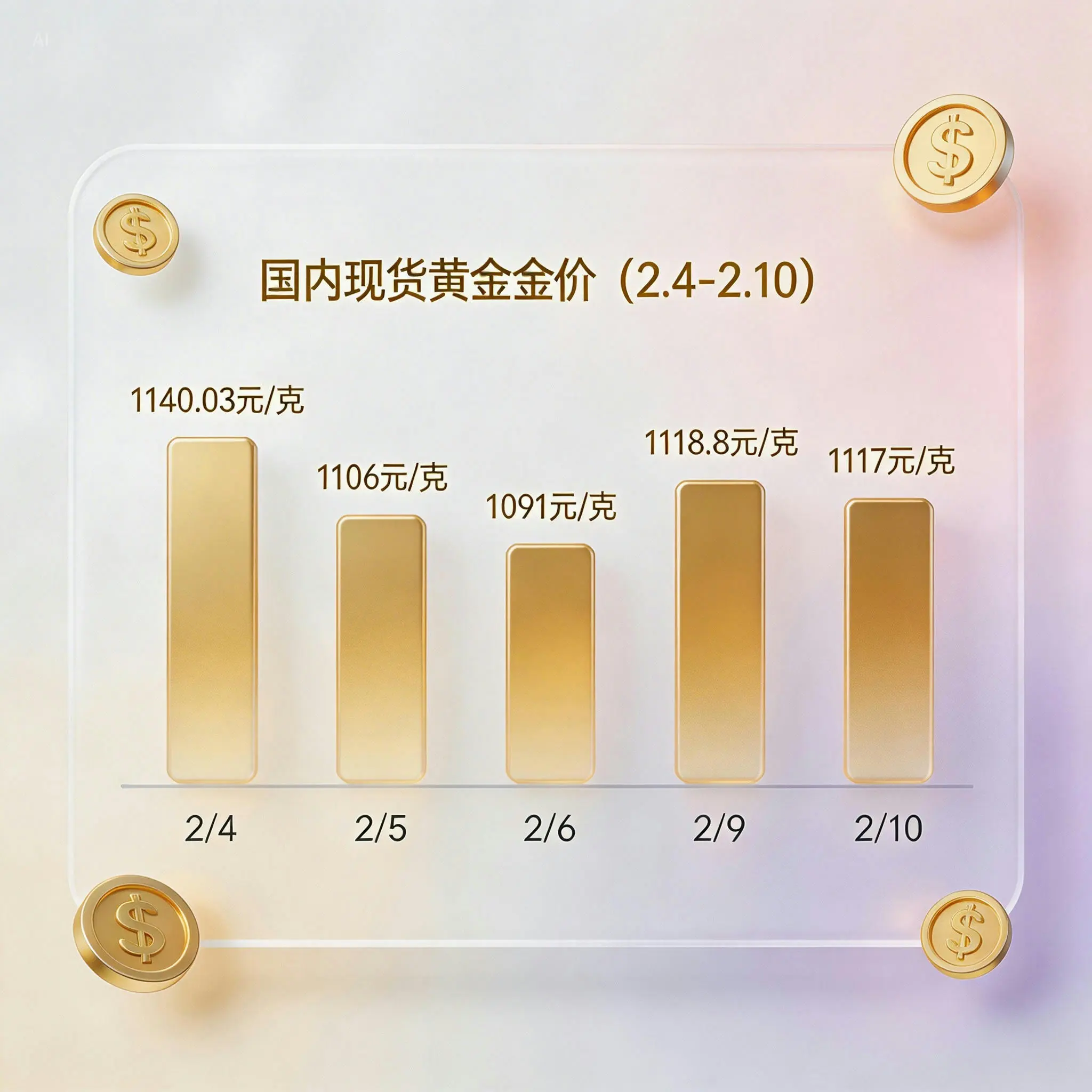
Creativity with Precise Control
Local Seedream 5.0 examples for controlled image generation, reference-aware composition, and style transformation.
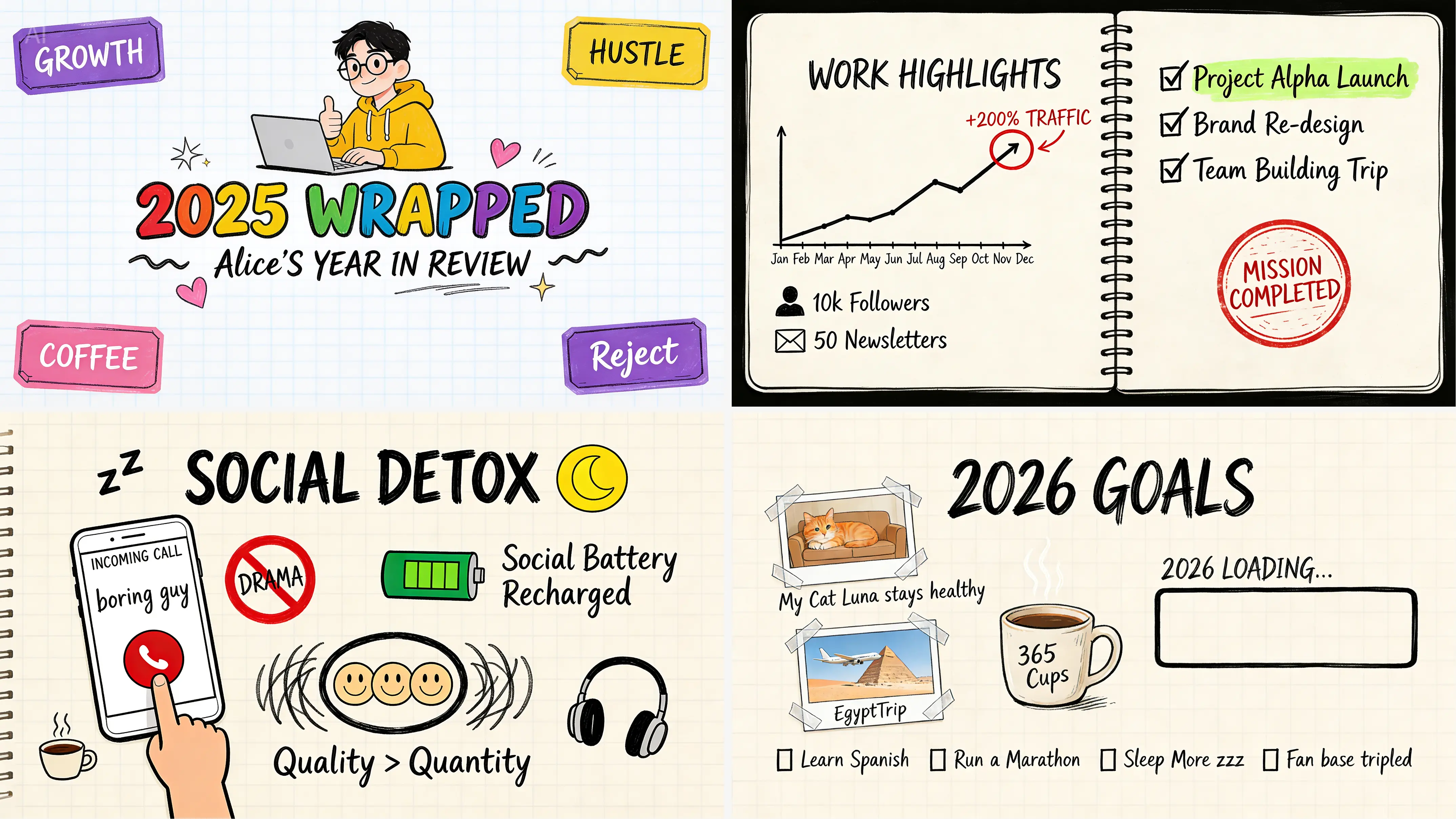



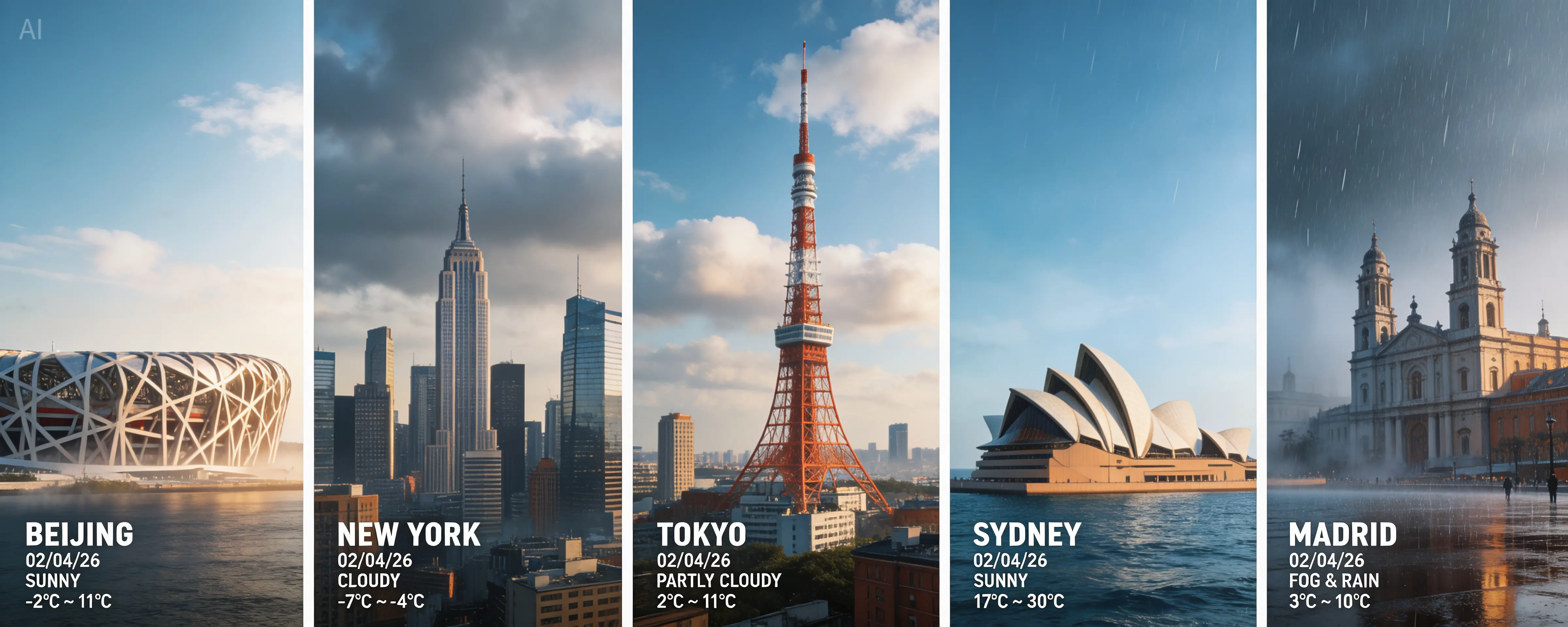
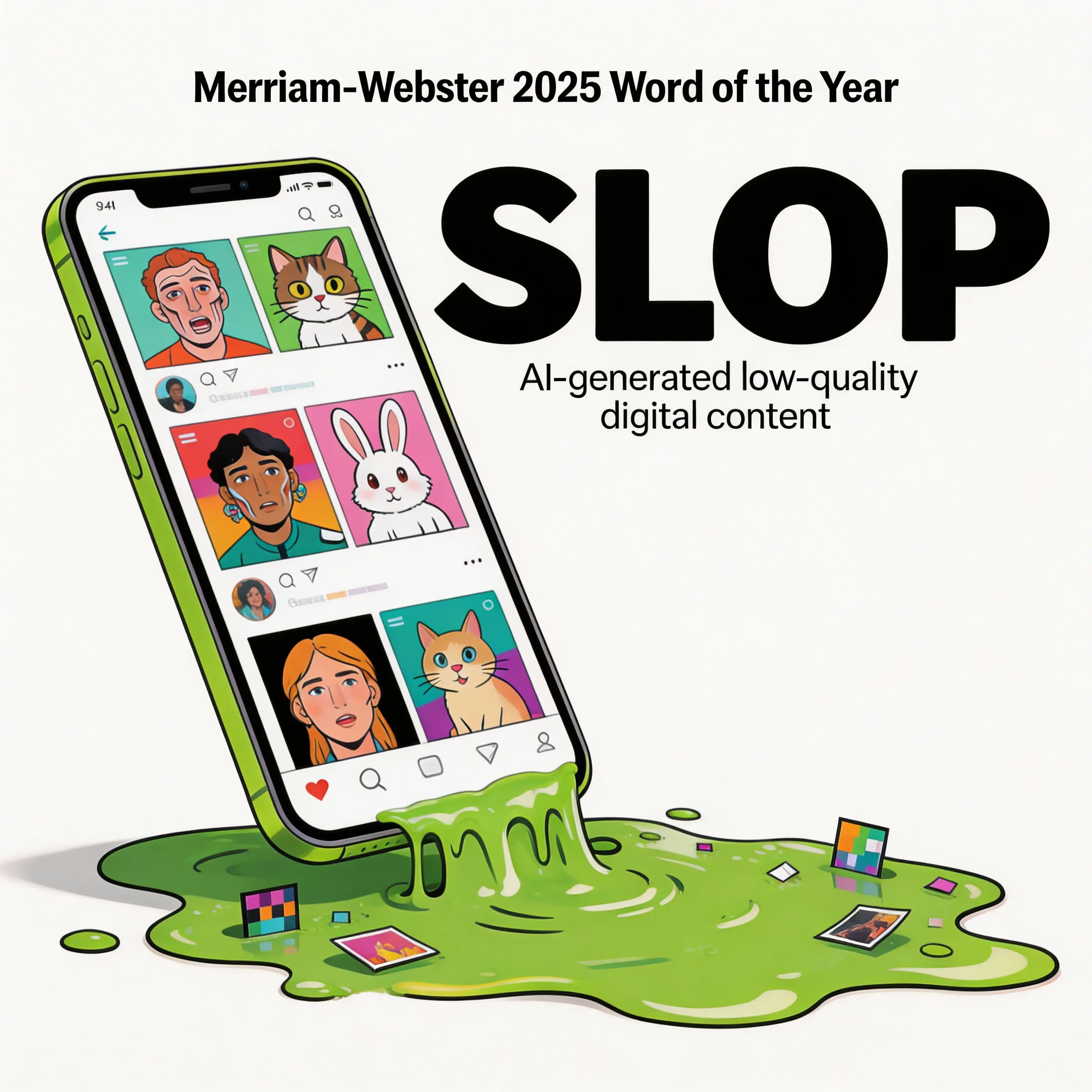
Connected to the Latest Trends
Examples showing trend-aware image creation and current visual styles generated for Seedream 5.0.
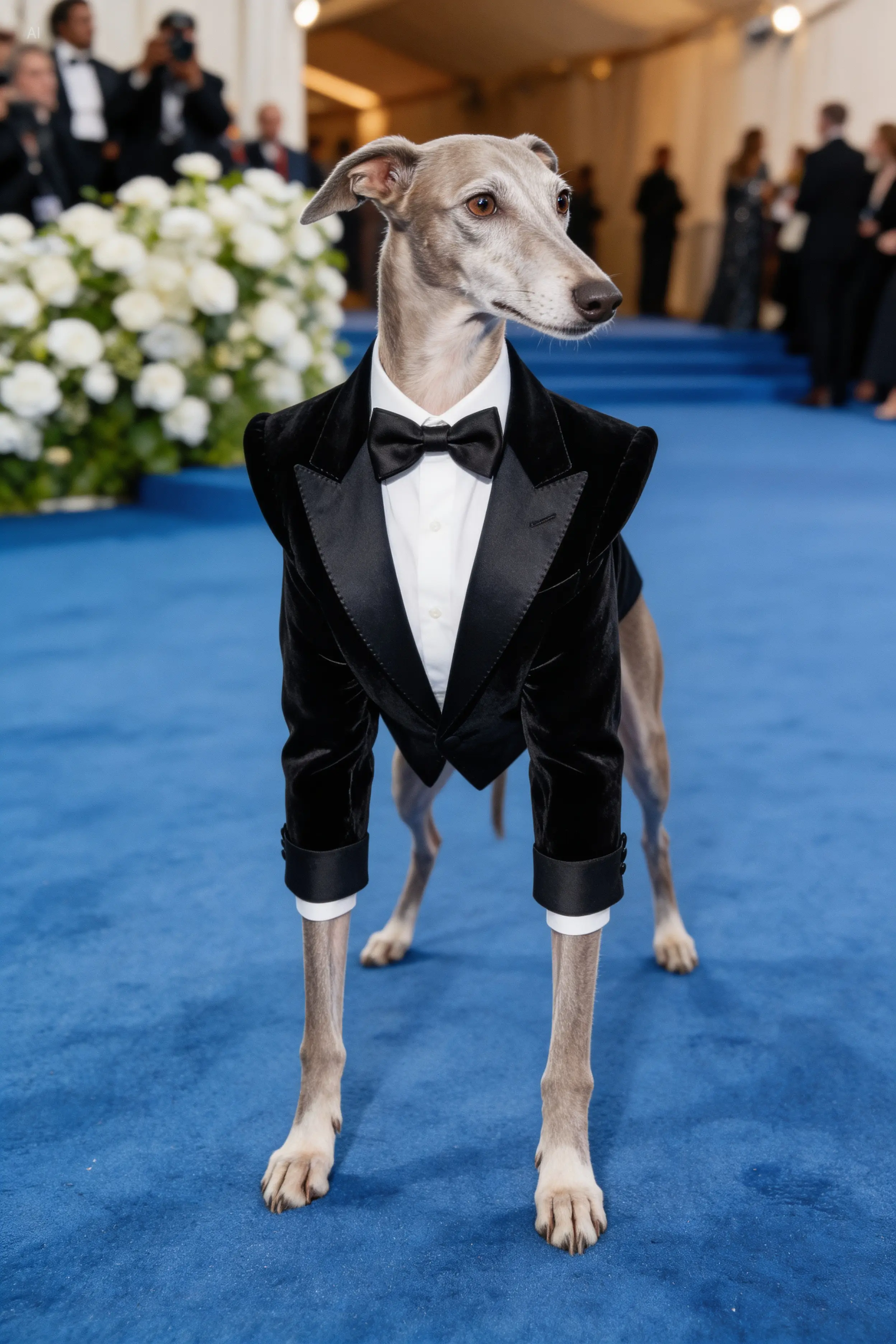
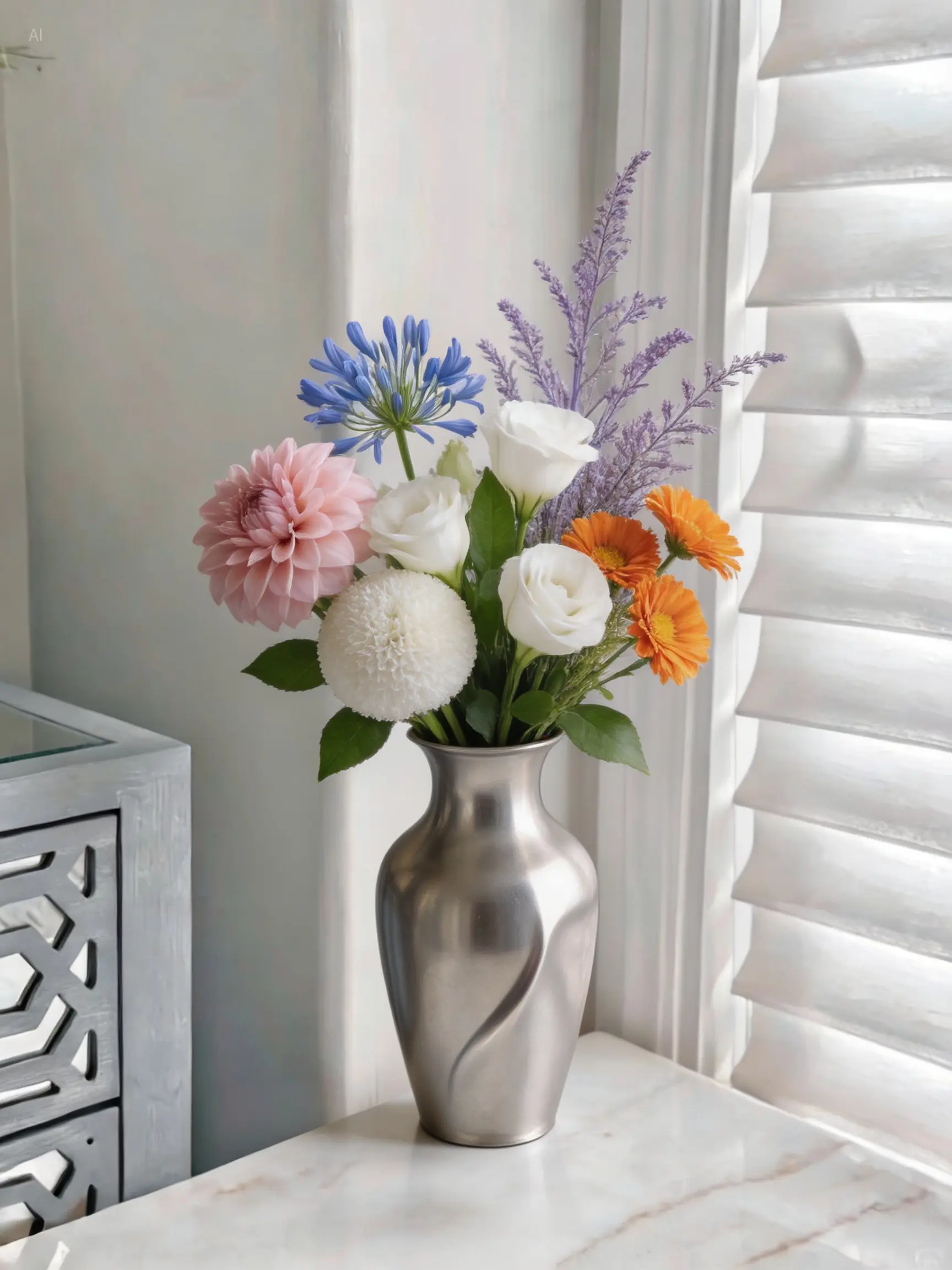
Think Beyond Imagination
Creative Seedream 5.0 outputs that explore rich scene design, character detail, and imaginative visual direction.
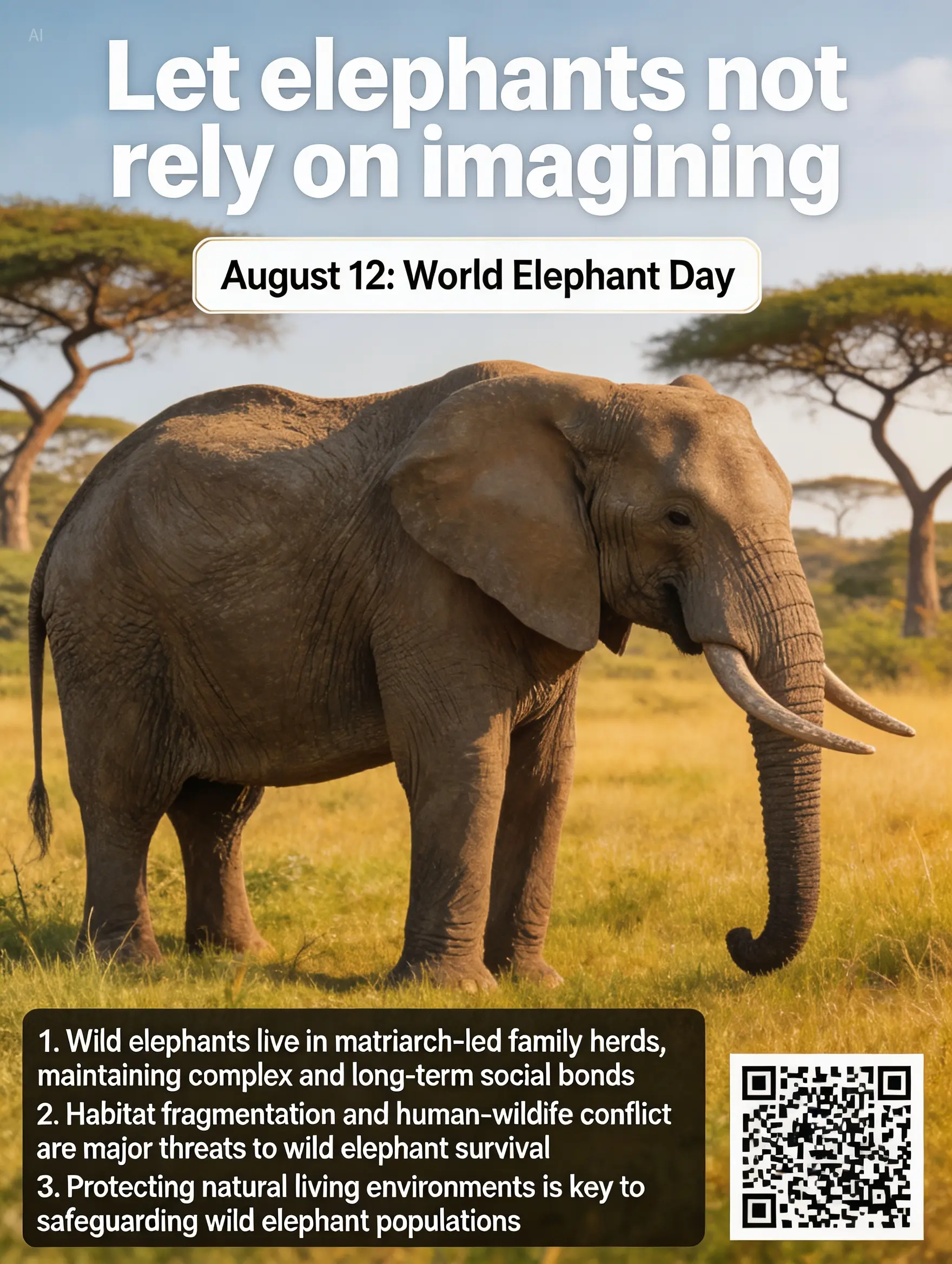
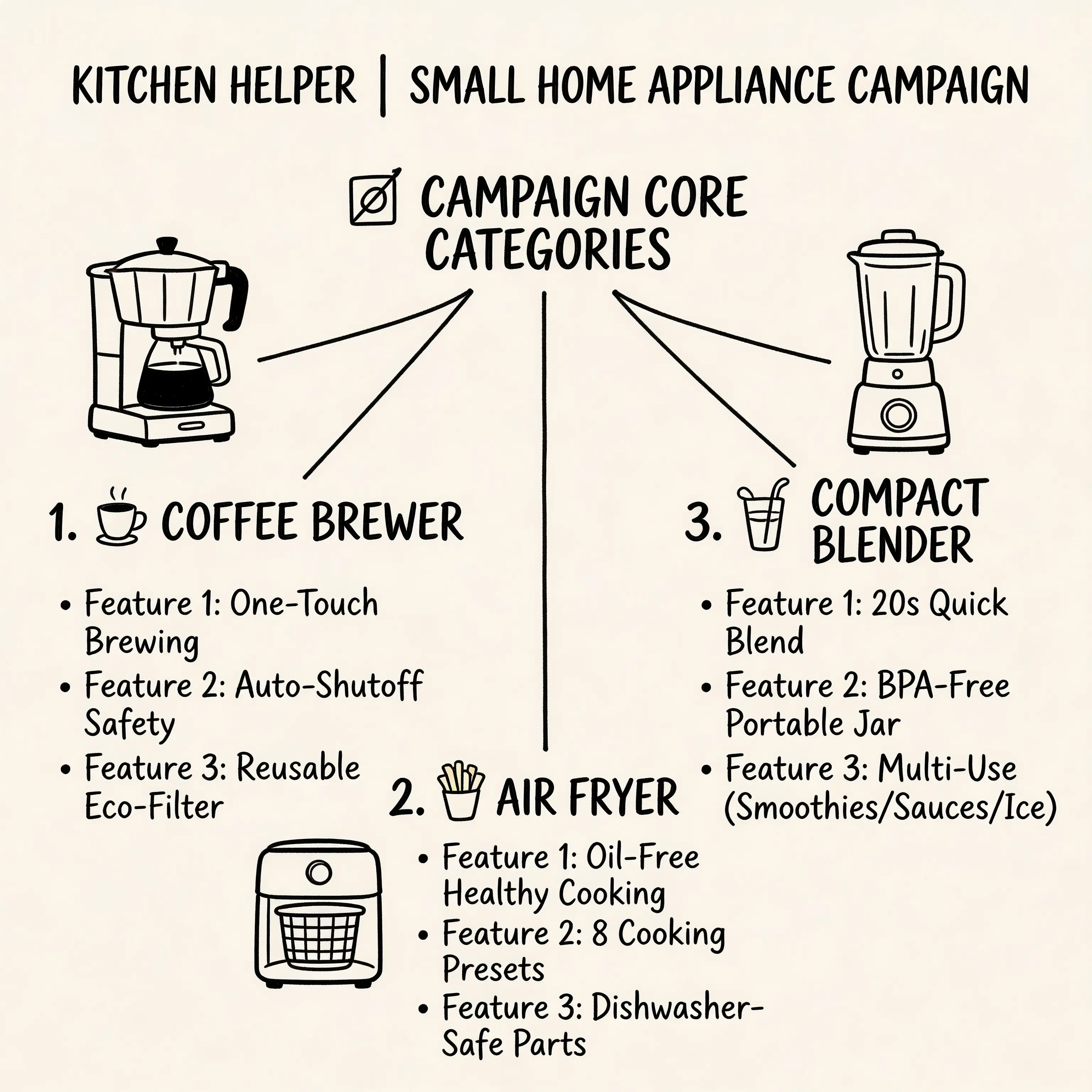
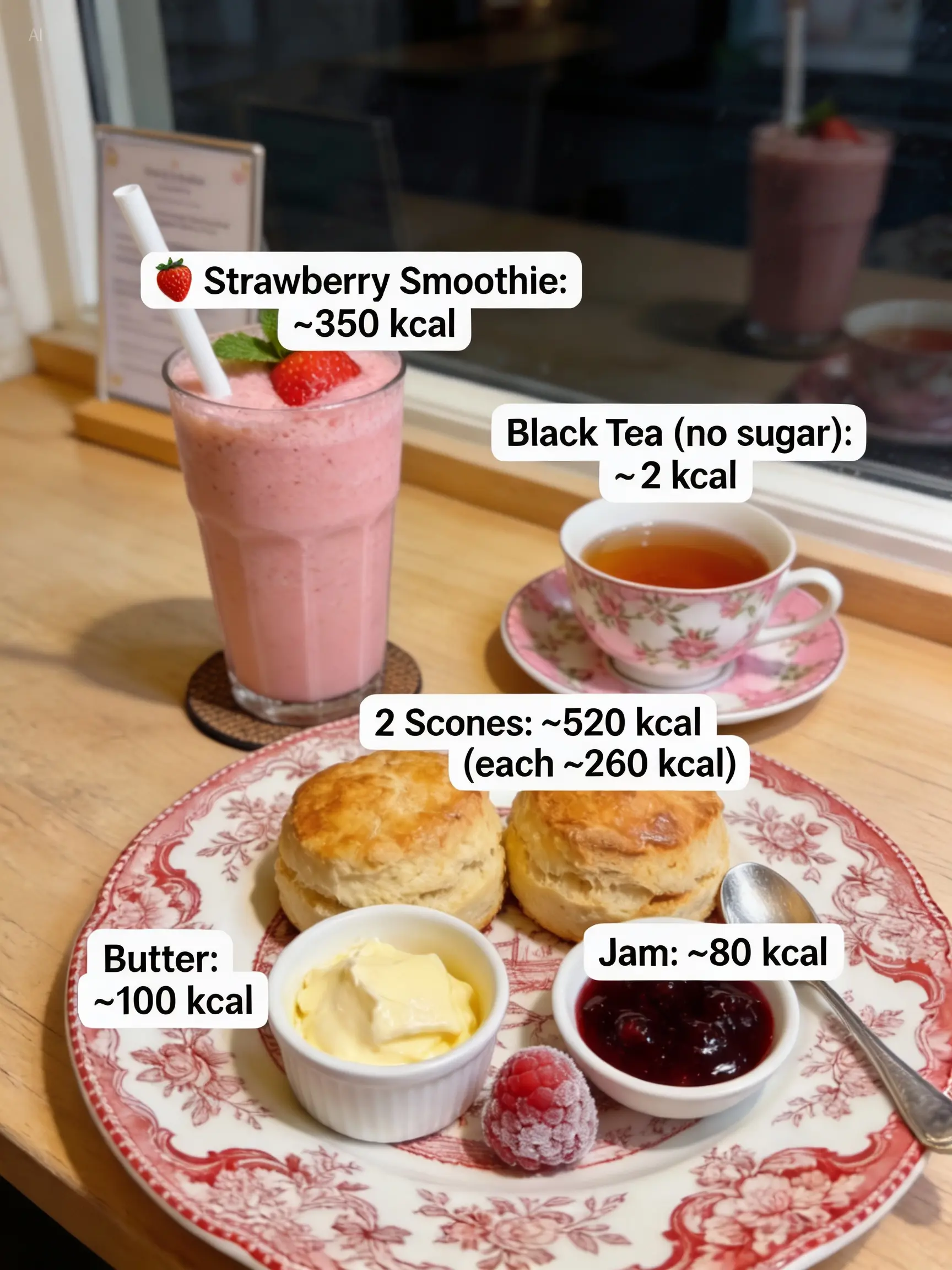
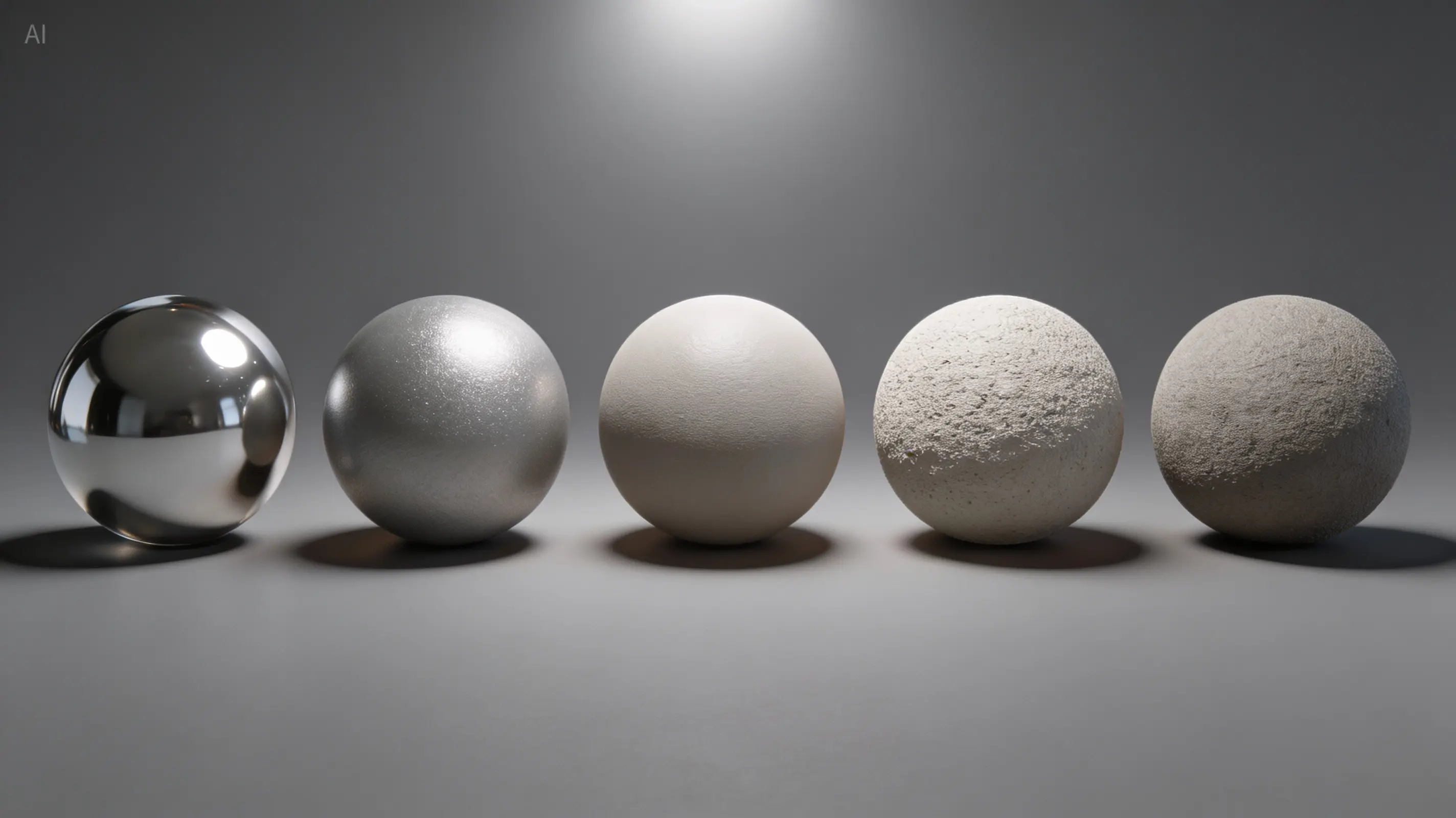

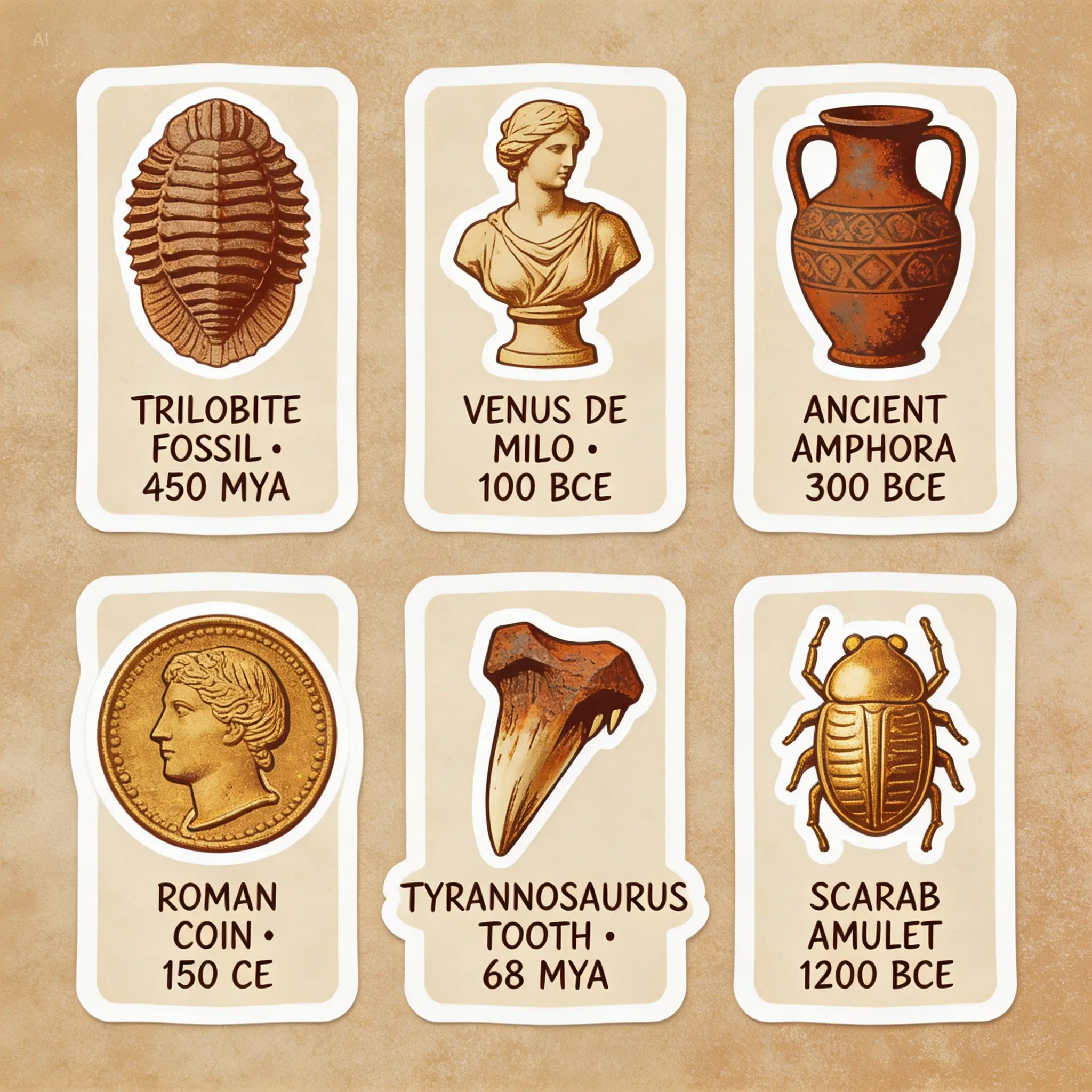
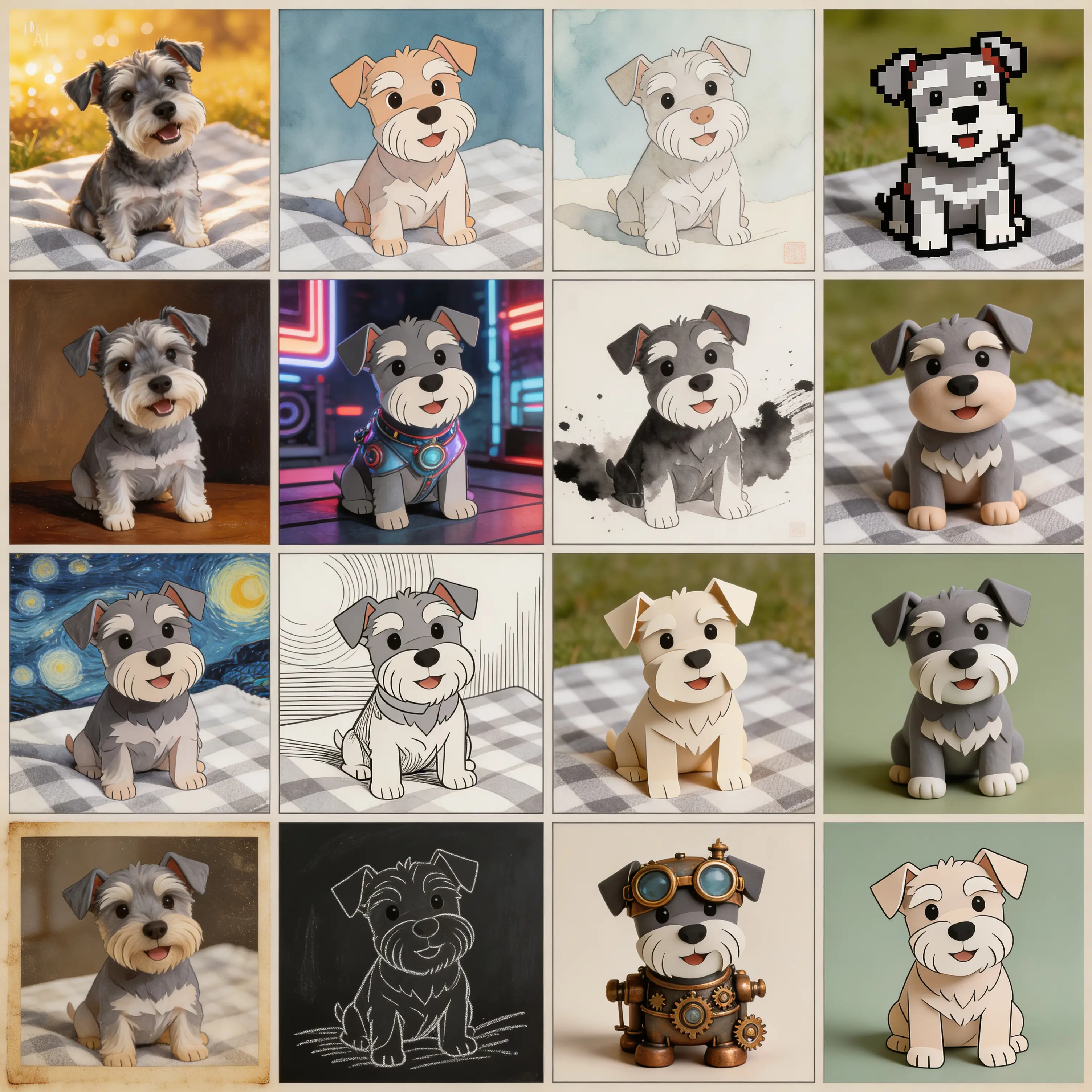
Creativity Unleashed, Explore the Possibilities
A broad gallery of Seedream 5.0 image outputs from the local showcase directory.

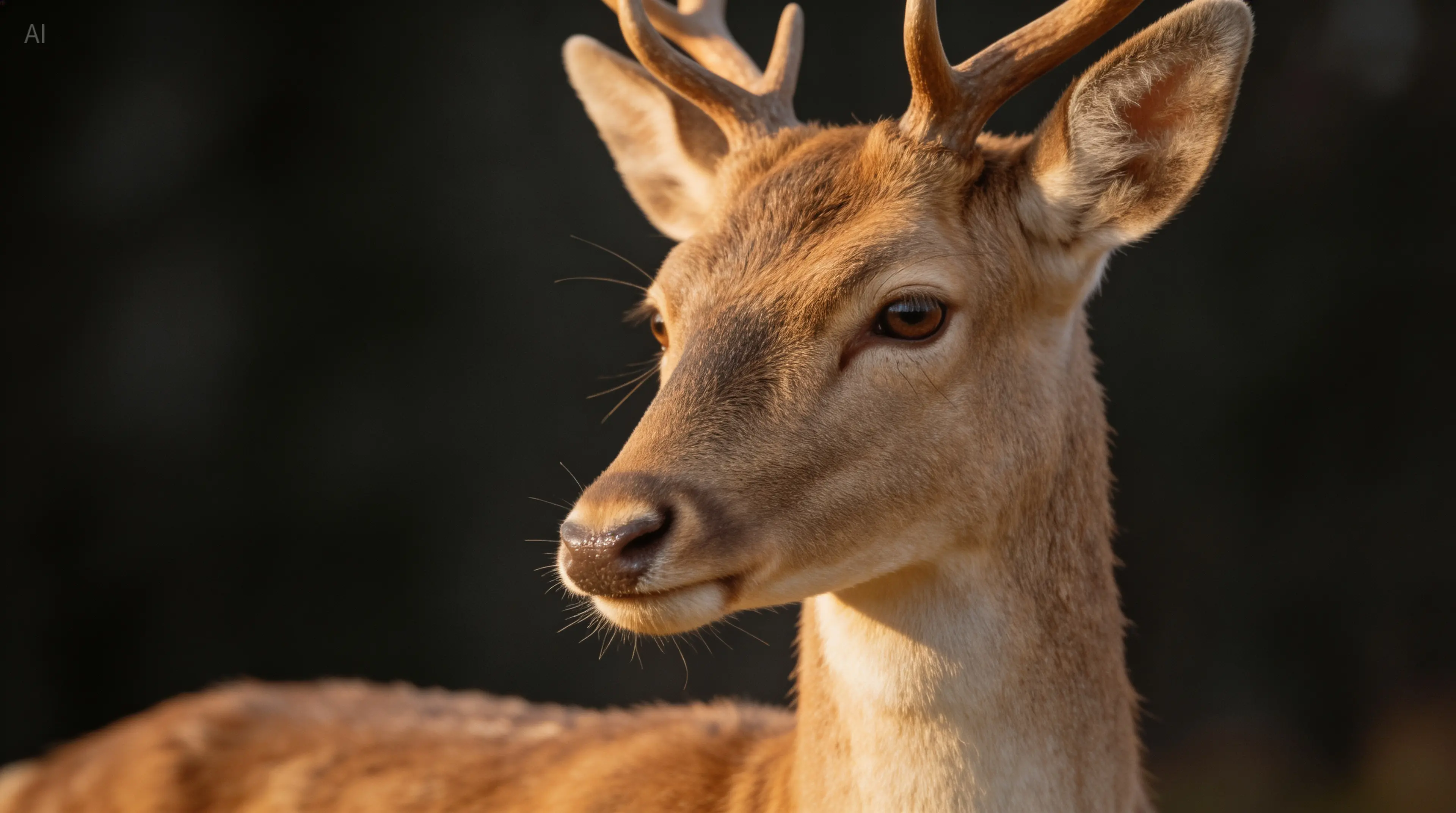

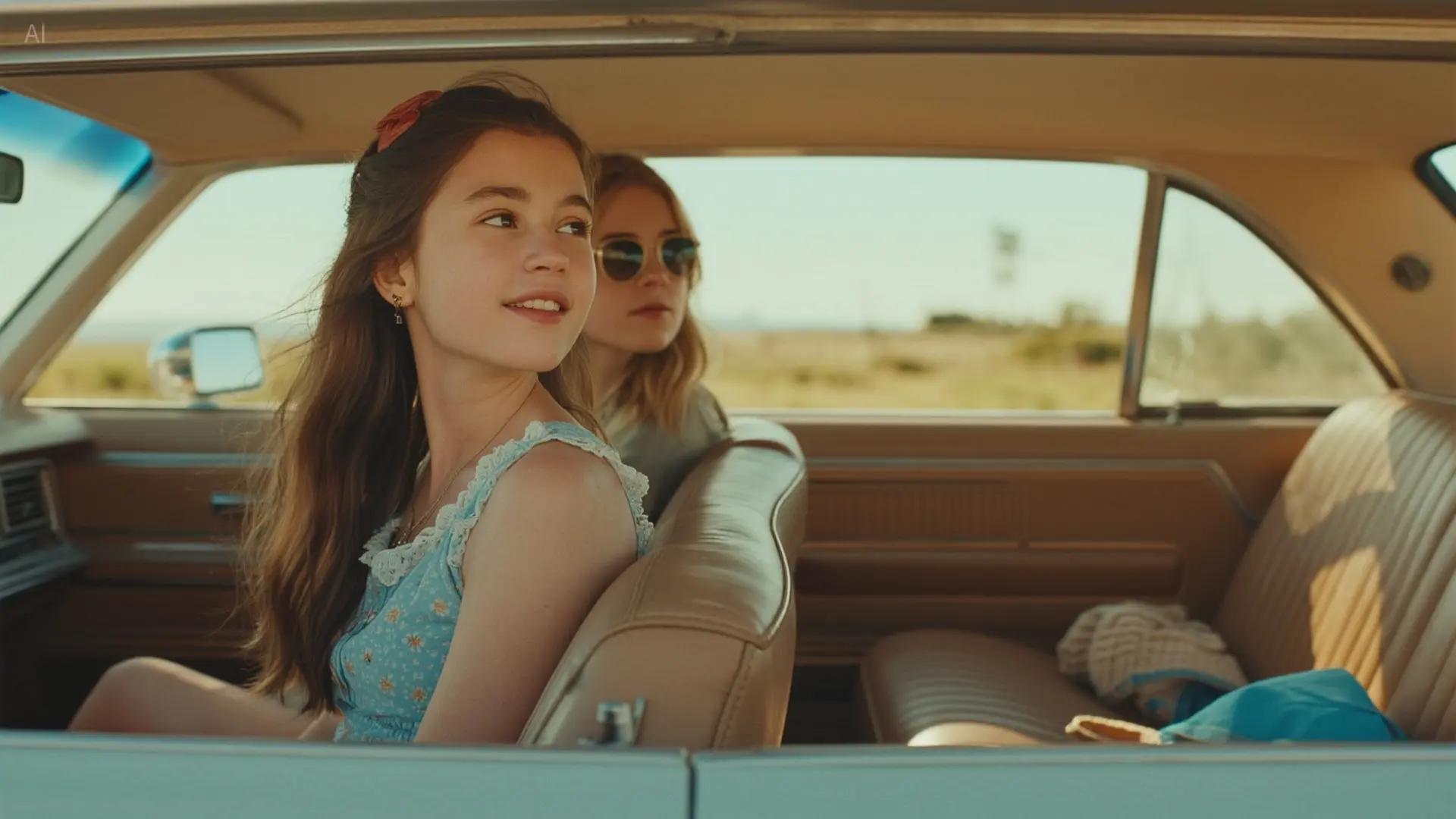


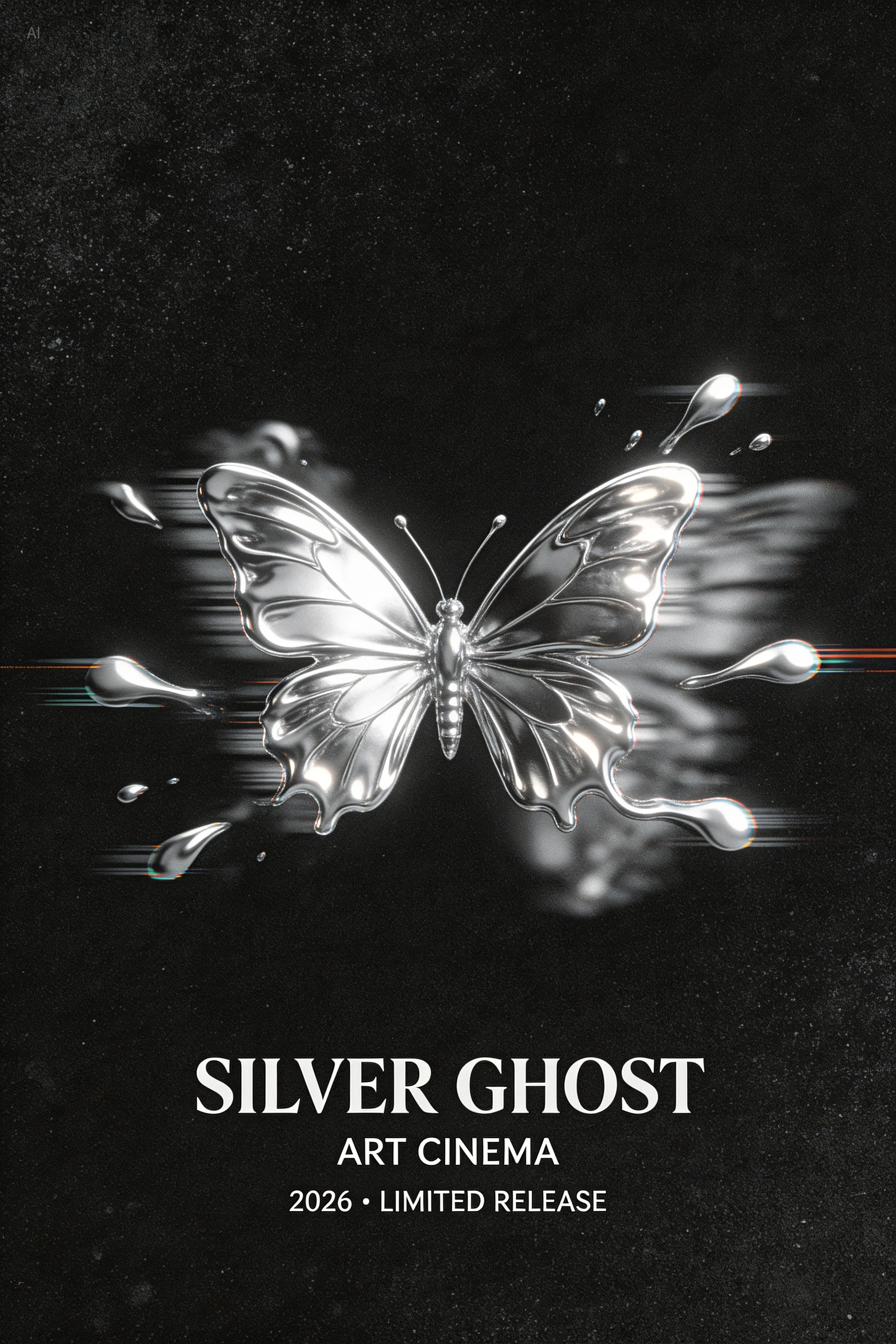
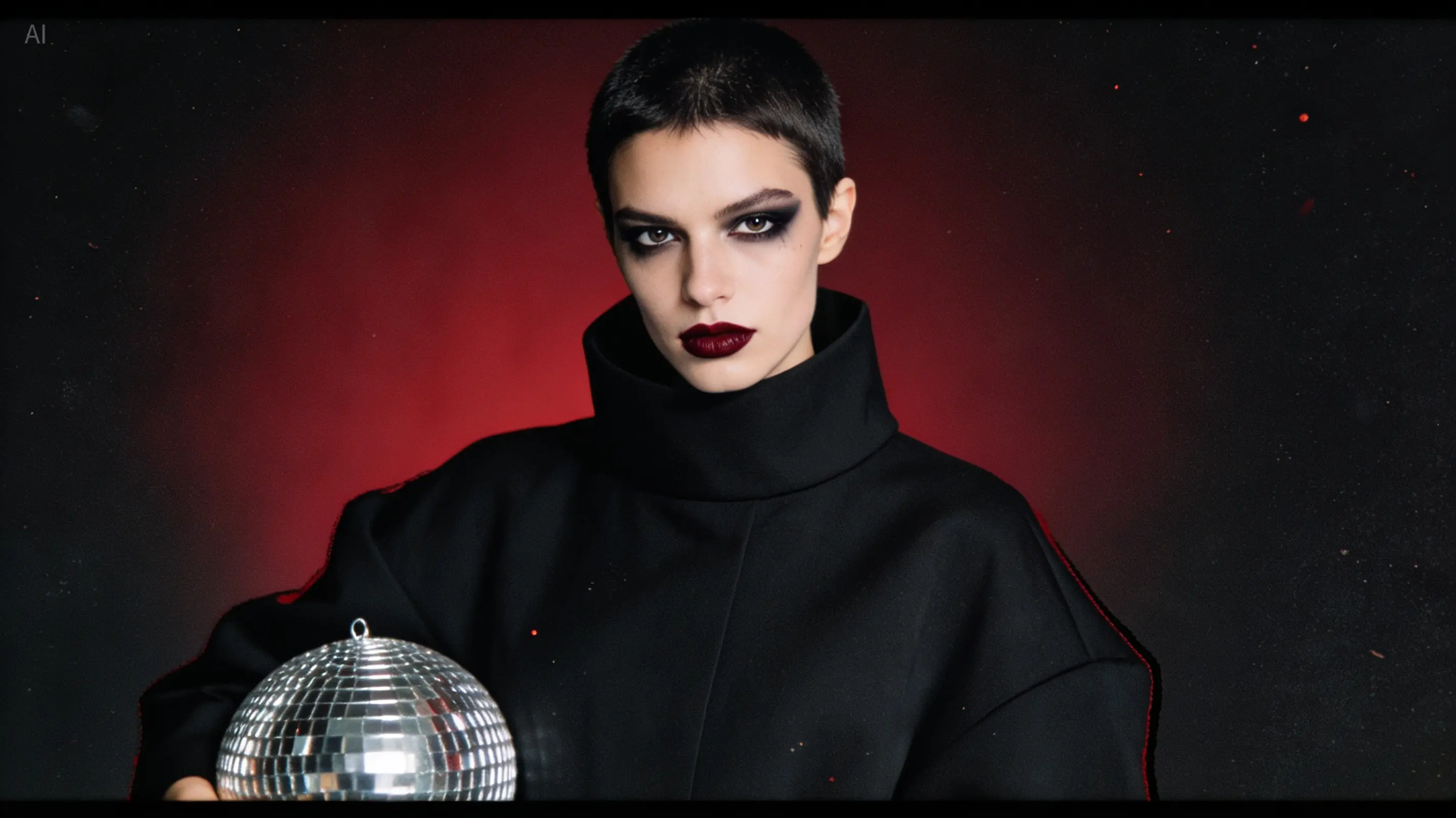
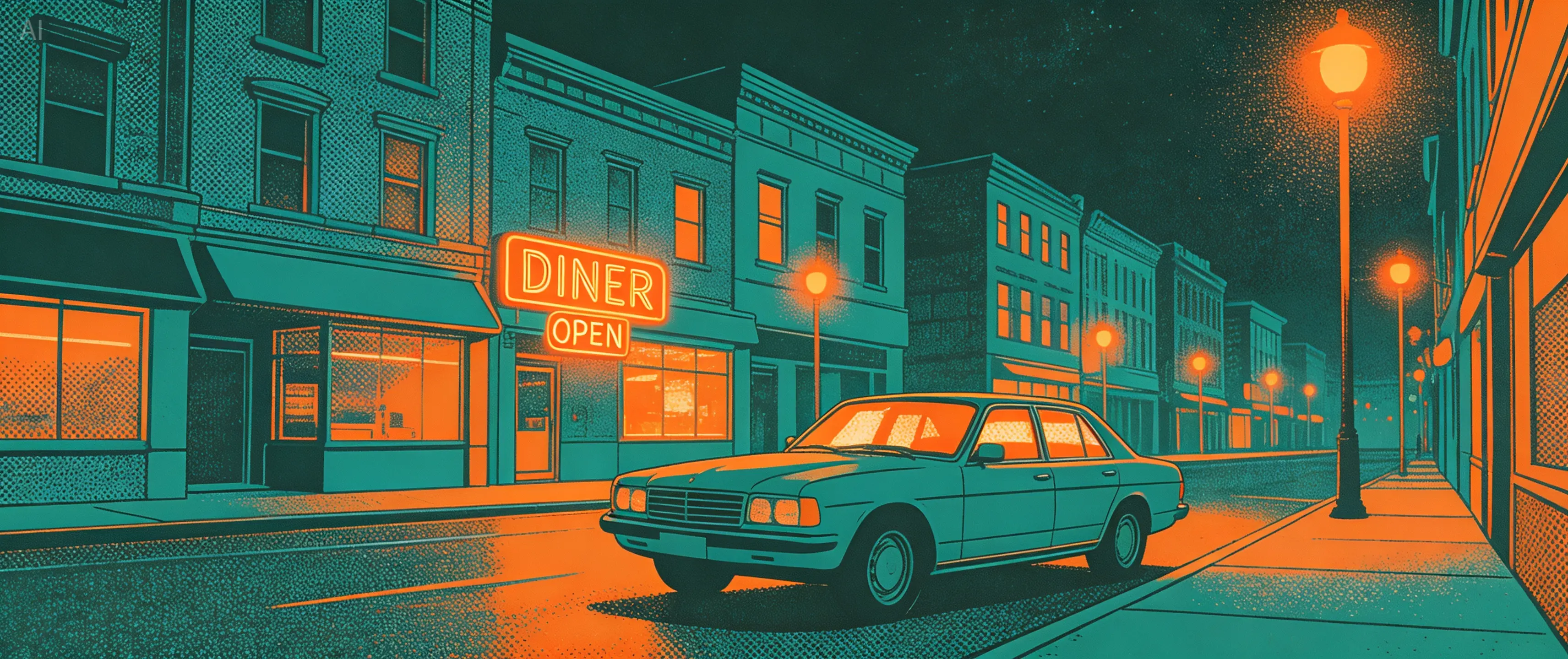
Community Showcase
Explore prompts and results created with Seedream 5.0 Lite.
Creativity with Precise Control
Seedream 5.0 Lite
Creativity with Precise Control: create a polished AI image with precise composition, detailed subject rendering, refined lighting, and Seedream 5.0 visual quality.
Local showcase 1
Creativity with Precise Control
Seedream 5.0 Lite
Creativity with Precise Control: create a polished AI image with precise composition, detailed subject rendering, refined lighting, and Seedream 5.0 visual quality.
Local showcase 2
Creativity with Precise Control
Seedream 5.0 Lite
Creativity with Precise Control: create a polished AI image with precise composition, detailed subject rendering, refined lighting, and Seedream 5.0 visual quality.
Local showcase 3
Creativity with Precise Control
Seedream 5.0 Lite
Creativity with Precise Control: create a polished AI image with precise composition, detailed subject rendering, refined lighting, and Seedream 5.0 visual quality.
Local showcase 4
Create images with Seedream 5.0 Lite
Seedream 5.0 keeps the creation surface focused: model selection, a large prompt editor, optional references, aspect ratio, output quality, and gallery handoff.
Which model is used?
This page routes generation through the Seedream 5.0 Lite tool action.
Can I upload reference images?
Yes. Use the optional image upload inside the prompt box to attach a reference.
What quality is available?
The workspace exposes Basic (2K) and High (4K), matching the reference controls and credit costs.
Where do results appear?
Finished generations can be downloaded and opened from My Works.